How to Check Airpods Battery Health in 2026 (Honest Reviews)
So, you want to know how to check your AirPods battery health? It's a straightforward process, and knowing your battery levels can save you from unexpected silence right when you need your audio the most.
For most users, getting a quick read on their AirPods' charge is a daily or at least weekly necessity. Manufacturer specifications from Apple indicate that AirPods Pro (2nd generation) offer up to 6 hours of listening time on a single charge, but this can vary, making regular checks a good habit.
How to Check Your AirPods Battery Level
You've got your AirPods, you use them all the time, but how much juice is actually left? It's not always obvious, but checking is simpler than you might think. The method varies slightly if you're using an iPhone, iPad, or a Mac.
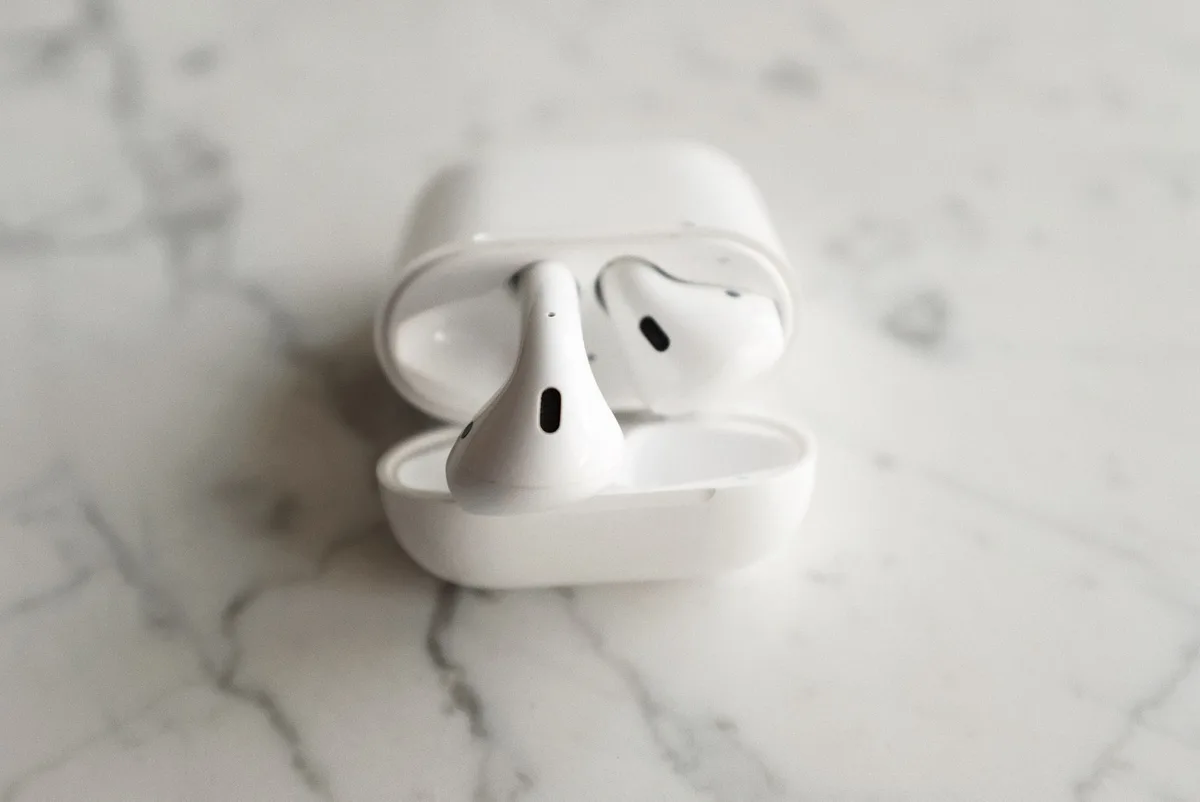
We'll break down the easiest ways to get that percentage updated on your screen. Understanding this helps you manage your listening sessions and know when it's time to pop them back in the case.
Why Knowing Your AirPods' Battery Matters
Plain and simple, knowing your AirPods' battery level helps you avoid frustration. Nobody wants their music or podcast to cut out mid-commute or during an important call. It's about ensuring seamless listening and productive communication.
- Avoid unexpected shutdowns: You can plan your listening sessions and charging cycles.
- Troubleshoot performance: If you notice a sudden drop in how long they last, it's a signal to investigate further.
- Optimize charging: You can top them up before they get critically low, which is generally better for battery longevity over time.
Quick Check: Battery Levels on iPhone & iPad
This is the most common way people check their AirPods' battery status. It's quick, integrated, and usually appears automatically.
Step-by-Step: The Pop-Up Method
This method works best when your AirPods are in their charging case and the lid is open, and your iPhone or iPad is unlocked and nearby.
- Open the charging case: With your AirPods nestled inside, simply lift the lid of the case.
- Wait for the pop-up: A small card should appear at the bottom of your device's screen.
- Read the percentages: This card displays the battery percentage for each individual AirPod, as well as the percentage for the charging case itself.
Step-by-Step: Using Search & Widgets
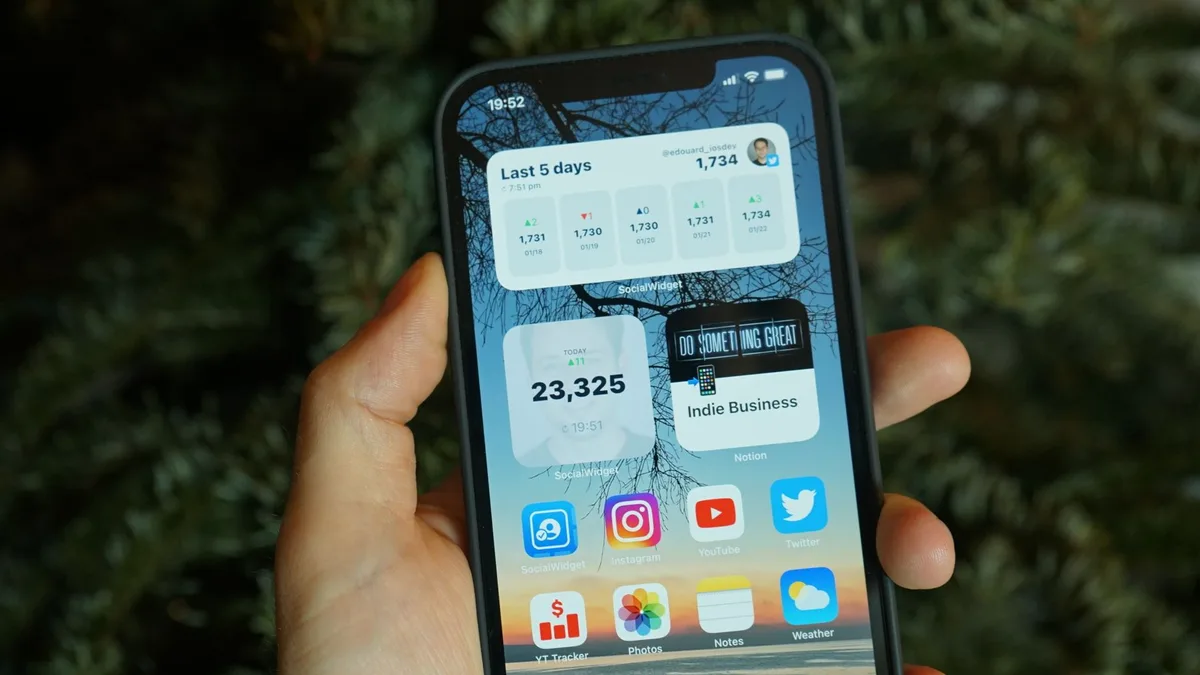
If the pop-up doesn't appear, or if you want to check when the case is closed or you're not actively opening it, you can use your device's battery widget.
- Go to your Home Screen: Make sure you're on your main Home Screen.
- Access Search: On iPhones with Face ID, swipe down from the top-right corner of the screen. On iPhones with a Home button, swipe down from the top of the screen.
- Type "Battery": In the search bar that appears, type "Battery".
- Find the Battery section: Tap on the "Battery" app or widget if it appears. Your connected AirPods should show up here with their battery levels, even if they are in the case. If you don't see a Battery widget, you can add one by long-pressing an empty space on your Home Screen, tapping the "+" icon, and selecting the Battery widget.
Checking Battery Levels on Your Mac
If you primarily use your AirPods with a Mac, the process is just as straightforward, though accessed through a different part of the operating system.

Step-by-Step: Via Bluetooth Menu
This method requires your AirPods to be connected to your Mac.
- Ensure AirPods are connected: Verify that your AirPods are actively paired and connected to your Mac.
- Click the Bluetooth icon: Locate the Bluetooth icon in your Mac's menu bar, usually found in the top-right corner of the screen.
- Hover over your AirPods: A dropdown menu will appear. Find your AirPods listed under your connected devices. Move your mouse cursor over your AirPods' name.
- View battery status: The battery percentage for each individual AirPod will then be displayed. In some cases, if the case has enough charge, its level may also appear here, or if you place the AirPods back in the case and close it briefly.
Understanding What the "Percentage" Means
When you see those percentages, it's important to know exactly what they represent. These figures reflect the current charge level of your AirPods and their charging case. They are not a direct indicator of "battery health" in the way your iPhone might show a specific percentage for battery degradation.
Instead, these numbers tell you how much listening time you have left before a recharge is needed. A fully charged AirPod might be rated for up to 6 hours of listening time, as per Apple's specifications for the AirPods Pro (2nd generation), but this can be reduced by factors like background noise cancellation or volume levels. The case acts as a portable charger, offering multiple additional charges throughout the day.
When to Suspect Battery Degradation
While Apple doesn't provide a direct "battery health" percentage for AirPods like it does for iPhones, you can infer issues by observing their performance over time. Battery degradation is a natural process that affects all rechargeable devices.
Signs Your AirPods Might Be Losing Charge Capacity
If you've noticed a significant drop in how long your AirPods last, it's a strong clue that their internal batteries might be wearing out.
- Drastically reduced listening time: If you used to get 4-5 hours of playback per charge and now you're lucky to get 1-2 hours, even with the case fully charged.
- The charging case drains too quickly: If the case itself seems to lose its charge rapidly, or if it can no longer provide multiple full recharges for the earbuds.
- Intermittent charging: The earbuds may stop charging in the case, or take an unusually long time to reach a full charge.
- Sudden power drops: The battery percentage dropping sharply and unexpectedly.
These are common indicators that the rechargeable lithium-ion batteries within the AirPods themselves have likely degraded and can no longer hold a charge as effectively as they once did. This is a finite lifespan, and after a certain number of charge cycles, performance noticeably declines. The components within AirPods are not user-replaceable for battery service, meaning replacement of the earbuds or case unit is typically required.
What About Battery Health Metrics?
Unlike your iPhone, which provides a specific "Maximum Capacity" percentage to indicate battery health, AirPods don't offer a direct numerical readout for this. Apple's focus for AirPods' battery status is on delivering the current charge level. This means you're looking at how much power is available right now, rather than a percentage quantifying the battery's overall degradation or remaining lifespan.
Manufacturer specifications confirm that AirPods are sealed units, and there isn't an end-user accessible diagnostic tool for detailed battery health assessment. You're expected to gauge health by observable performance metrics. If your AirPods are no longer meeting their advertised listening times, that's your primary indicator.
When to Suspect Battery Degradation
While you can't pull up a precise battery health number, your AirPods will give you clear signals when their batteries are losing capacity. Think of it like noticing your car’s engine starting to sputter or lose power, you don't need a special diagnostic tool to know something’s changing.
Signs Your AirPods Might Be Losing Charge Capacity
The most obvious sign is a noticeable drop in how long they last on a single charge. If your AirPods Pro, which advertise up to 6 hours of listening time, are now only providing 2 hours, it’s a clear indication of battery wear. Another red flag is if the charging case drains significantly faster than it used to, or if it can no longer provide multiple full charges to the earbuds. Sometimes, you might experience unexpected shutdowns or a rapid percentage drop from, say, 40% to 0% in just a few minutes.
What Happens When Batteries Age
All rechargeable batteries, including the small lithium-ion cells inside your AirPods, have a finite lifespan. This is often measured in charge cycles, which is the number of times a battery can be discharged and recharged before its capacity significantly diminishes. For AirPods, degradation means they simply can't hold as much power as they did when they were new.
This aging process is normal and unavoidable. As the batteries age, their internal resistance increases, and their ability to deliver peak power decreases. This leads directly to shorter playback times and less efficiency in recharging from the case. As of 2026, advancements in battery technology continue, but for current devices, this limitation remains.
Understanding What the "Percentage" Means
The numbers you see when you check your AirPods are simply the current charge level. If your iPhone shows your AirPods at 70%, it means they have 70% of their current maximum capacity available. It doesn't tell you what that current maximum capacity is compared to when they were brand new.
For instance, if brand-new AirPods had a maximum listening time of 6 hours, and their battery has degraded so they can now only hold 80% of that original capacity, a 70% reading on your device means you have approximately 3.36 hours of listening time left (0.70 * 4.8 hours, where 4.8 hours is 80% of 6 hours). It’s crucial to distinguish between current charge and overall battery health degradation.
Next Steps if Your Battery Isn't Holding Up
If you've thoroughly checked your AirPods' charge levels and consistently experience significantly reduced playback times or charging issues, it's highly probable that the batteries themselves have degraded. Since AirPods are sealed units and not designed for user battery replacement, your main options involve service or replacement.
- Out-of-Warranty Service: Apple offers battery service for AirPods. This typically involves replacing the affected earbuds or the charging case for a fee. You can check the official Apple support site for current service pricing and procedures.
- Consider Upgrading: If your AirPods are an older model and the cost of service is close to the price of a new pair, upgrading to a newer model might be a more cost-effective solution. Newer models often feature improved battery life and other enhancements.
- Proper Disposal: If you do decide to replace them, ensure you dispose of the old electronics responsibly. Many regions have electronic waste recycling programs.